
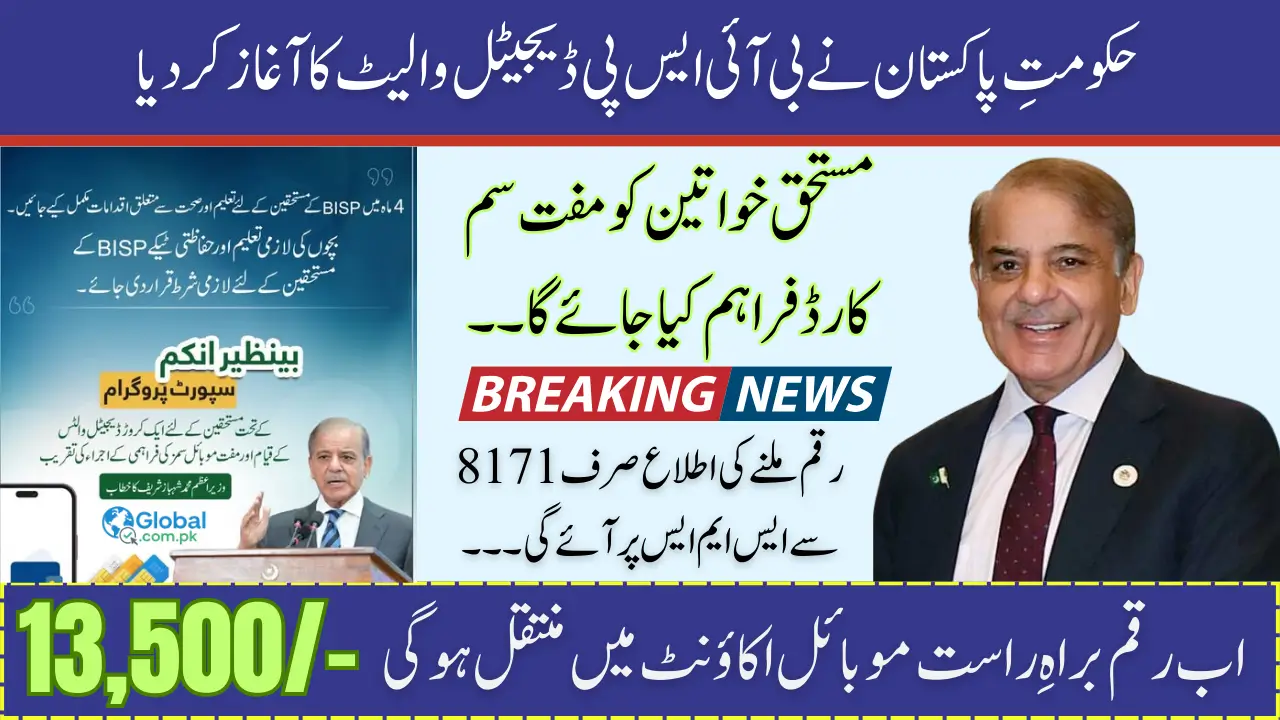
The Government of Pakistan has officially started the BISP Digital Wallet System in August 2025. This new system is designed to make the process of receiving financial aid under the Benazir Income Support Programme (BISP) faster, more secure, and more convenient.

With this digital wallet, beneficiaries will get a free SIM card linked to their CNIC, through which payments will be directly transferred to their mobile account. Instead of waiting in long queues or facing delays at camps, families can now withdraw their payments easily from any JazzCash or EasyPaisa retailer or use the balance directly for bills and transactions.
BISP Digital Wallet 2025
- Launch Date: August 2025
- Payment Amount: Rs. 13,500 (current installment)
- Free SIM: Issued by the government for beneficiaries
- Wallet Providers: JazzCash, EasyPaisa, and partner banks
- Payment Alerts: SMS confirmation via 8171
You can also read: PSER Survey 2025 Punjab Apply Now for All Govt Punjab Schemes
What is the BISP Digital Wallet System?
The digital wallet is basically a mobile account where your BISP payments will be transferred directly by the government.
Instead of visiting banks or cash distribution camps, every eligible beneficiary will have:
- A government-issued free SIM linked with their CNIC.
- A mobile wallet account (JazzCash or EasyPaisa).
- The ability to withdraw money or make payments through the wallet.
This system reduces fraud, saves travel costs, and ensures women the main beneficiaries can access their funds safely.
Who is Eligible for BISP Digital Wallet Payments?
Not everyone can register for the digital wallet. Only those who:
- Are already registered with BISP.
- Have a valid CNIC.
- Meet the low-income criteria defined by BISP.
- Are listed in the official BISP beneficiary database.
👉 You can check your eligibility by sending your CNIC to 8171 or by visiting the official 8171 portal. BISP Digital Wallet System Start
Step 1: How to Get a Free SIM for BISP Payments
To use the digital wallet system, the first step is collecting your free SIM card.
Process:
- Visit the nearest BISP office.
- Show your original CNIC for verification.
- Provide any other documents if asked.
- Collect your free SIM card issued under the program.
Once activated, this SIM will be linked with your BISP account and will start receiving payment notifications.
Step 2: Opening a Mobile Wallet Account
After receiving your free SIM, the next step is to open a mobile wallet account. This account is where your money will be deposited.
You can also read: How to Check PMT Score Online by CNIC Step by Step Complete Guide
Steps to open account:
- Go to the BISP office or a designated JazzCash/EasyPaisa center.
- Provide your CNIC and BISP SIM.
- Complete biometric verification if required.
- Your wallet will be activated instantly.
Once active, your quarterly payments will arrive directly in your account. You can also use this wallet for bill payments, mobile top-ups, and money transfers.
Step 3: How to Withdraw Payments from Shops
One of the biggest benefits of the digital wallet system is that you don’t need to stand in long lines anymore.
Withdrawal Process:
- Visit any JazzCash or EasyPaisa retailer shop.
- Provide your CNIC and BISP SIM for verification.
- The agent will confirm your payment.
- Collect your cash instantly.
This makes it very convenient for women in rural areas who don’t have access to banks. BISP Digital Wallet System Start
How to Check Your BISP Payment via 8171
The government ensures transparency by keeping you informed about your payments.
Steps to check payment:
- Send your CNIC number to 8171.
- You will receive an SMS with details of your eligibility and payment status.
- Once your payment is credited, an SMS from 8171 will confirm the amount and date.
Key Features of the Digital Wallet System
✔ Direct Payment: Money is sent straight to your wallet.
✔ Convenience: Withdraw from thousands of shops nationwide.
✔ Transparency: SMS alerts from 8171 for every payment.
✔ Free SIM: No hidden charges, government provided.
✔ Secure System: Fraud-proof and digitally traceable.
Documents Required
- Original CNIC
- BISP registration proof (if available)
- Mobile SIM issued under the program
You can also read: BISP 8171 August September 2025 Payment Step-by-Step Guide to Collect 13500
Common Problems & Their Solutions
❌ Lost SIM: Immediately report at the nearest BISP office to block and replace.
❌ No Payment SMS: Check your eligibility by sending CNIC to 8171.
❌ Wrong mobile number linked: Visit BISP office to update.
❌ Fake messages or calls: Remember, only 8171 is the official number.
Security Tips for Beneficiaries
- Never share your OTP or PIN with anyone.
- Only trust SMS messages from 8171.
- Do not pay any middleman for receiving BISP funds.
- Always keep your SIM active to receive updates.
FAQs
Q1: How can I get my free SIM?
Visit the nearest BISP office with your CNIC for verification.
Q2: Which wallets are supported?
Currently, JazzCash and EasyPaisa are the main partners.
Q3: How do I know if my payment is issued?
You will receive an SMS from 8171 with payment details.
Q4: Can I withdraw from any shop?
Yes, any authorized retailer of JazzCash or EasyPaisa.
Q5: What if I lose my SIM?
Report it to BISP immediately to get a replacement.
You can also read: Punjab Solar Panel Scheme Results 2025 Check Complete Details
Conclusion
The launch of the BISP Digital Wallet System in August 2025 is a revolutionary step for millions of families across Pakistan. By introducing free SIMs, mobile wallets, and transparent payment confirmations, the government has made it easier for women to receive financial support securely.
Now, beneficiaries can withdraw money at their convenience, avoid long queues, and enjoy the benefits of modern financial services. To stay updated, always check your status via 8171 and visit your nearest BISP office for help. BISP Digital Wallet System Start